Bulin 47 AI.
Your freestyle.
Create your own Bulin 47 freestyle video from one portrait. Choose preset Spanish lyrics or write the lyrics you want sung, then generate a 10-second party performance with sound.
Create my videoAn independently generated interpretation. Voice, rhythm and movement will differ from the original trend.
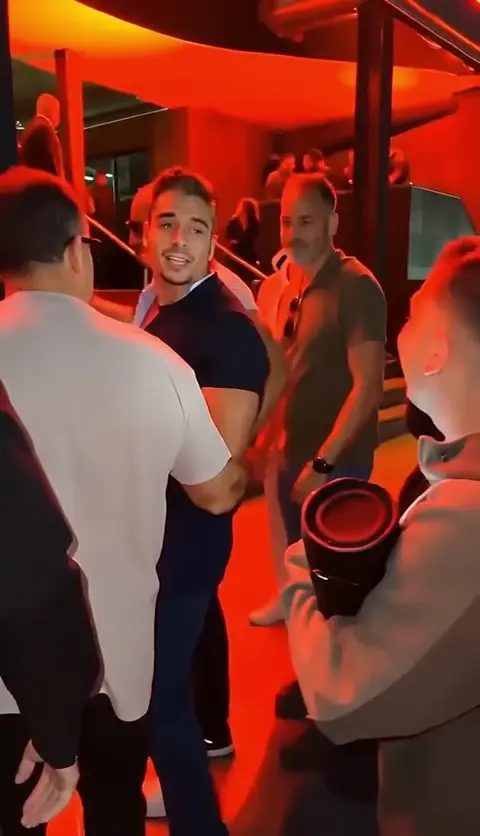
Make it your performance
Your portrait, your lyrics, a party performance. Review the credits before you create.
Add your portrait
No photo selected
JPG, PNG or WebP · Under 30 MB. On a computer, use Upload from phone to send a photo by QR code.
Photo requirements
Use a clear photo of one consenting adult. Each side must be 301–5,999 pixels, with an aspect ratio greater than 0.4 and less than 2.5, and no more than 40 megapixels.
Loading available formats…
Loading your studio…
Generation can take several minutes. Find your videos in your account history.
Before you press play
What is the Bulin 47 AI trend?
It is a photo-to-video freestyle performance idea. Kinevello creates an original interpretation from your portrait, with a new performance and sound. It is independent of the artist and the original video.
Can I write my own lyrics?
Yes. Select My own lyrics and enter the lyrics you want sung, in your own language. Enter only lyrics, without scene descriptions or instructions. Keep your verse short enough for a 10-second performance. Exact pronunciation, delivery and lip movement can vary.
How are credits calculated?
Videos are fixed at 10 seconds. Your selected model, quality and template determine the credit quote. You see the total before generating. Confirmed failed generations return reserved credits automatically.
Can I use photos from my phone?
Yes. On a computer, choose Upload from phone and scan the QR code. When your video is ready, Download to phone lets you scan and save it back to your phone.
How do I make a Bulin 47 AI freestyle video?
Kinevello’s Bulin 47 AI video generator turns one portrait into a 10-second freestyle rap performance with sound. Your photo guides the central performer’s appearance. Choose the preset Spanish verse or write your own lyrics; the template supplies the performance direction. It is an independent interpretation, not an official Bulin 47 video or an endorsement by the artist.
- Add a clear portrait of yourself or a consenting adult. On a computer, you can scan a QR code to upload from your phone.
- Choose Preset lyrics or My own lyrics. For custom lyrics, write a short verse that fits 10 seconds; keep scene descriptions out of the lyrics field.
- Select a compatible model, quality and aspect ratio. Check the exact template credits, confirm your rights and generate.
- Review the finished performance in your account. Download it on your computer, or scan to download to your phone.
Can I make my own version of the Bulin 47 viral video?
Yes. This template creates your own interpretation of the freestyle format, using your portrait for the central performer. Custom lyrics change the words you want sung; they do not select a new setting or choreography. Facial likeness, background details, lyrics, voice, lip movement and timing can vary. The example shows a possible result; it does not promise an identical remake or a viral outcome.
Compare AI video templates · Understand video credits · Photos, downloads and failed generations