AI Image Generator with Reference Photos: A Practical Setup Guide
A useful reference set has one clear job per photo: identity, product, setting or light. Keep the set small, avoid conflicting angles, write what must stay unchanged, and check the studio quote before generating. On Kinevello, reference limits range from four images on GPT Image 2.6 to sixteen on MiniMax H3 Image and some GPT Image 2.5 offers.
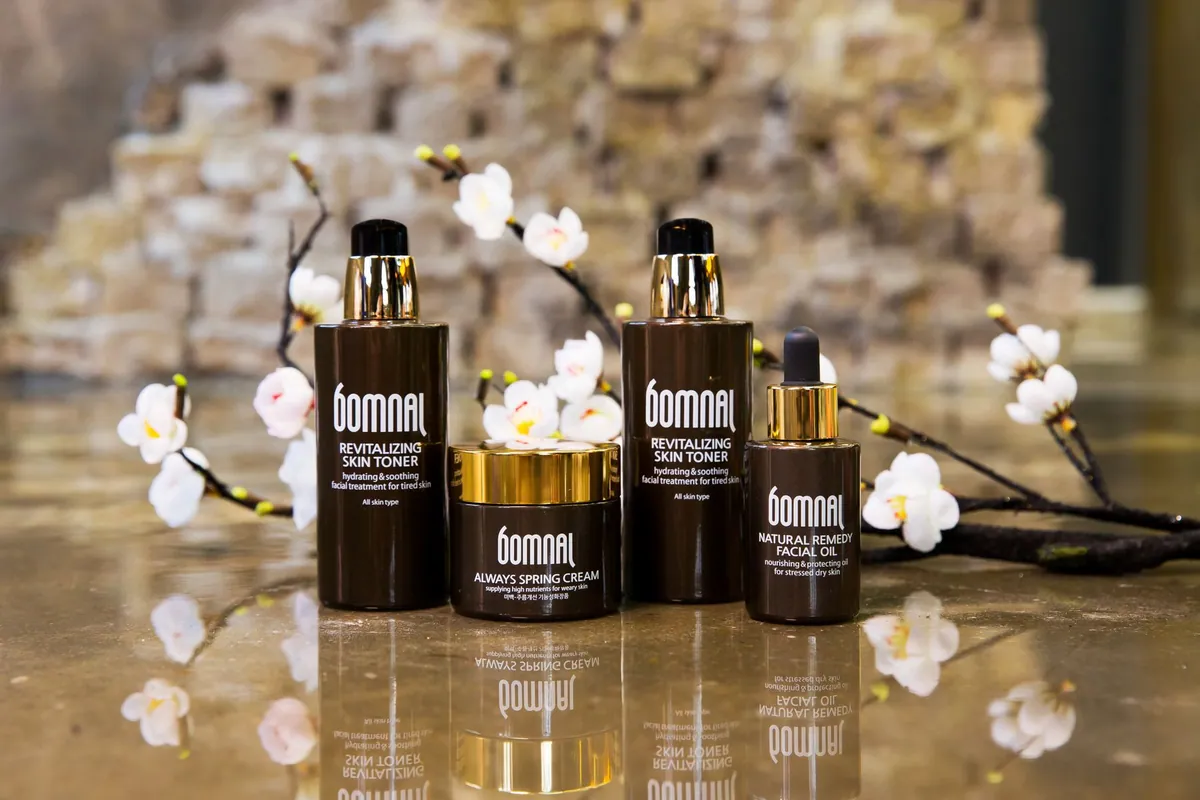
Start with the job, not the pile
More reference photos do not automatically produce a better image. Decide what each photo is for before uploading: the face, the product, the room, the fabric or the light. A set of three clear photos with different jobs usually beats ten similar frames.
- Identity: one sharp, front-facing photo with even light and no sunglasses.
- Product: one clean photo of the whole object, plus one detail if the shape matters.
- Setting: one wide photo that establishes the room, street or backdrop.
- Light: one photo that shows the direction and colour of the light you want.
Reference limits by model
| Model | References | Resolutions |
|---|---|---|
| Nano Banana 2.1 / 2 / 2 Lite | 10 | 1K–4K (2 Lite: 1K) |
| Nano Banana Pro | 8 | 1K–4K |
| Seedream 5.5 / 5.0 Pro / 5.0 Flash | 10 | 1K–2K |
| GPT Image 2.6 Flare / Sunburst | 4 | 1K–4K |
| GPT Image 2 / 2.5 Flare / 2.5 Sunburst | 16 | 1K–4K |
| Flux 3 Klein / Qwen Image 2.1 | 10 | 1K–4K / 1K–2K |
| Kling Image 4.0 / Grok Imagine 2.0 | 10 | 2K–8K / 1K |
| MiniMax H3 Image | 16 | 1K–4K |
Quotes below are Kinevello credits for the stated settings. Changing the model, resolution, quality or reference count can change the total. Check the studio quote before creating.
Prepare the files
Use PNG, JPG or WebP under 30 MB each. Each side should be 301–5,999 pixels, the ratio must stay between 0.4 and 2.5, and the file must be under 40 megapixels. Crop screenshots and collages into single images first; a grid of several photos inside one file is harder to interpret.
References stay local until you create in the image studio. On creation they upload privately, are readable only by your own tasks and expire after one hour. Submit only images you have permission to use.
Write the prompt around the references
Name the source of each important detail. Then describe one action or change, the light and what must stay fixed.
Use the first image for the woman's face and the second for the white sneaker. Place her on the concrete step from the third image. Keep the face, hairline and shoe shape unchanged. Overcast afternoon light, camera at knee height, no text.
For a product, state the label and silhouette before the background. For a room, state which photo defines the furniture layout and which defines the light. Review handles, lettering, logos and edges first, because those are the details most likely to drift.
Choose the model for the edit
Use Nano Banana 2.1 for a broad portrait and product default with ten references. Use Seedream 5.5 for multi-step subject consistency and small text at up to 2K. Use GPT Image 2.6 when four references are enough and you want quality tiers or a GIF. Use MiniMax H3 Image when you need up to sixteen references at 1K–4K.
Review before you pay for a larger frame
Run the brief at the lowest useful resolution first. Check identity, object shape, text and framing. If the composition is right but the detail is soft, rerun at a higher resolution with the same prompt and references. If the composition is wrong, change one variable at a time instead of adding more photos.
Reference images guide the result; they do not guarantee exact identity, placement or lettering. Keep a clean master and add precise type in an editor when it must be exact.