HappyHorse 1.0 vs 1.1: Costs, Formats and Which to Choose
HappyHorse 1.1 currently costs fewer Kinevello credits than 1.0 at matching five-second 720p or 1080p settings. It also offers more aspect ratios in text and reference modes. Both versions use Auto framing for single-image video.
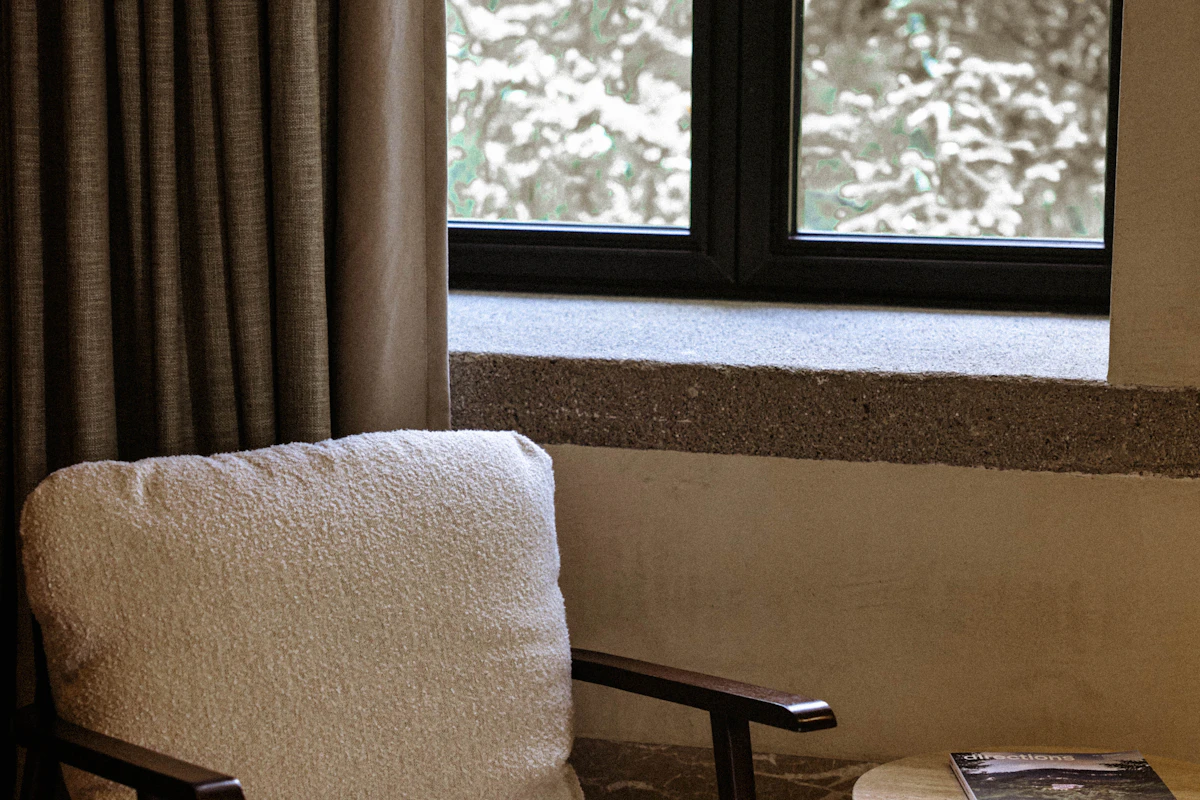
The newer version has the lower quote
| Model | Quality | Credits |
|---|---|---|
| HappyHorse 1.0 | 720p | 8 |
| HappyHorse 1.1 | 720p | 6 |
| HappyHorse 1.0 | 1080p | 13 |
| HappyHorse 1.1 | 1080p | 8 |
These are Kinevello credits for standard studio videos, not the provider’s own credit units or template prices. Read the quote after choosing your settings. A different duration or quality can change the total. See how video credits work.
If you have no earlier HappyHorse result to match, 1.1 is a reasonable starting point on price and format choice. If an existing project depends on a look you obtained with 1.0, keep that version in the comparison. A lower quote does not establish better motion or more accurate faces; those need a comparison of your own outputs.
Which version fits your canvas?
For Text to Video and Reference to Video, HappyHorse 1.0 offers 16:9, 9:16, 1:1, 4:3 and 3:4. HappyHorse 1.1 adds 4:5, 5:4, 9:21 and 21:9. Reference mode also includes Auto. These are the formats published in Kinevello’s November 1 configuration.
That makes 1.1 worth checking when you need a 4:5 feed composition or a wide 21:9 scene. Think about the intended crop before describing the action. A person walking across a wide frame may leave a narrow vertical frame almost immediately.
The extra ratio choices do not apply to single-image mode: both versions use Auto there. If you want to animate a portrait photo, prepare its crop first. Kie’s HappyHorse 1.1 image-to-video example uses an image, prompt, quality and duration; Kinevello keeps this separate from its reference-image workflow.
Choose references for a reason
Use HappyHorse Image to Video to start from one photo. Use HappyHorse Reference to Video to guide a new scene with images. Kinevello currently allows up to nine reference images for either version.
For a chair in a room, a clean view of the chair and a useful room reference may say more than nine unrelated photos. Describe which image supplies the object and which supplies the setting. Check that the model has not borrowed the room’s furniture or changed the chair legs. Reference images guide the generation; they do not lock every detail.
A comparison brief you can actually judge
Write down what would make the clip usable before comparing versions. Here is a deliberately small scene:
A green armchair stands beside a tall window in a quiet room. Afternoon light falls across the seat. The camera slides slowly to the right, keeping the whole chair in frame. The room and chair remain still.
Use the same source images, duration, format and quality if you choose to run your own comparison. Look at the legs during the camera move, the outline of the backrest, and how the light behaves. Keep notes on visible differences rather than relying on the first attractive frame. This example has not been rendered for this article.
If a clip is wrong in composition, rewrite the brief or change the source before increasing resolution. If the composition works but details are too soft for delivery, compare the 1080p quote. Keep some budget for a revision instead of spending it all on the first attempt.
How HappyHorse fits the wider shortlist
Compare Wan and Wan Prime if you want a 480p drafting option. Read MiniMax H3’s framing guide if a starting photo is central to your shot. For template workflows and the Seedance family, use the Seedance comparison. Each family exposes different settings; choose the one that fits the shot and the quote you can accept.