MiniMax H3 Image
Low-cost stills at 1K–4K with multi-reference edits — a practical pick for everyday product and portrait work. Review the available settings and the exact credits, then create your image.
1K / 2K / 4K · up to 16 reference images · PNG / JPEG · from 1 credit
Example scenes
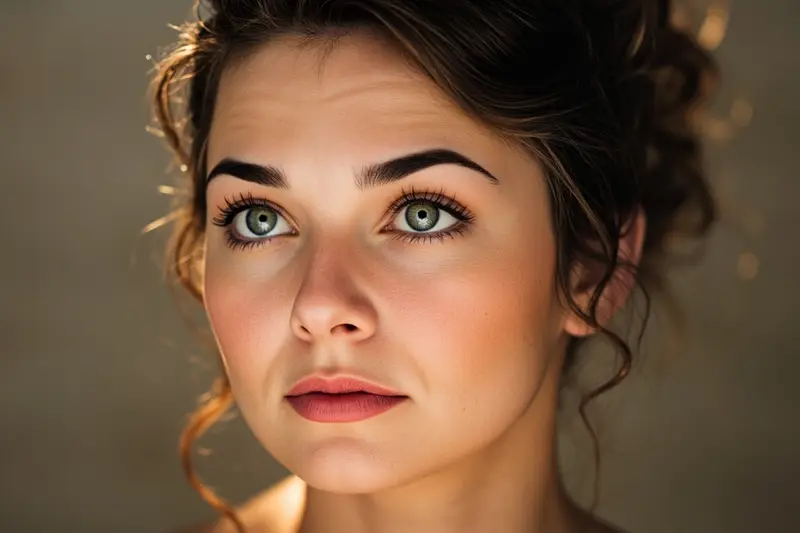
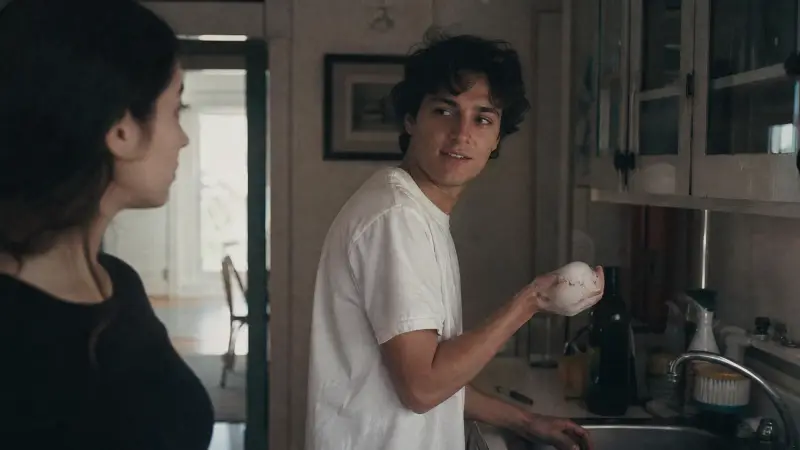
Scene ideas for MiniMax H3 Image: pick one and the studio opens with the prompt already written. Change the subject, light or composition before you create.
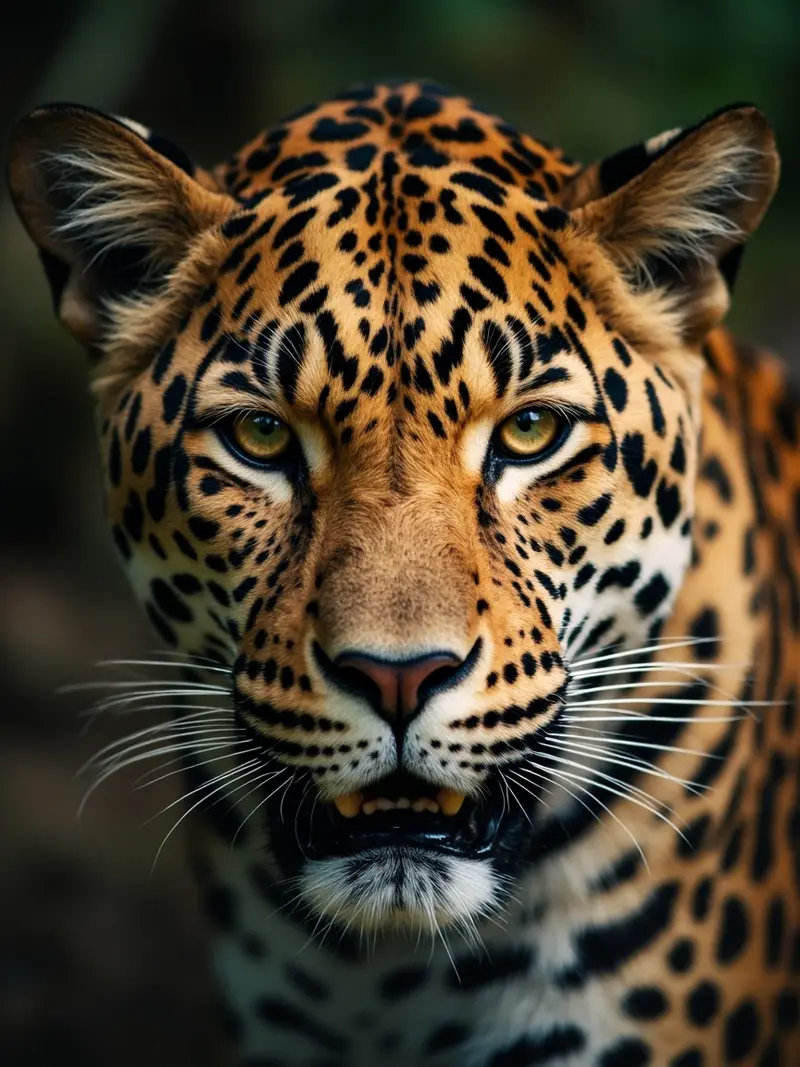
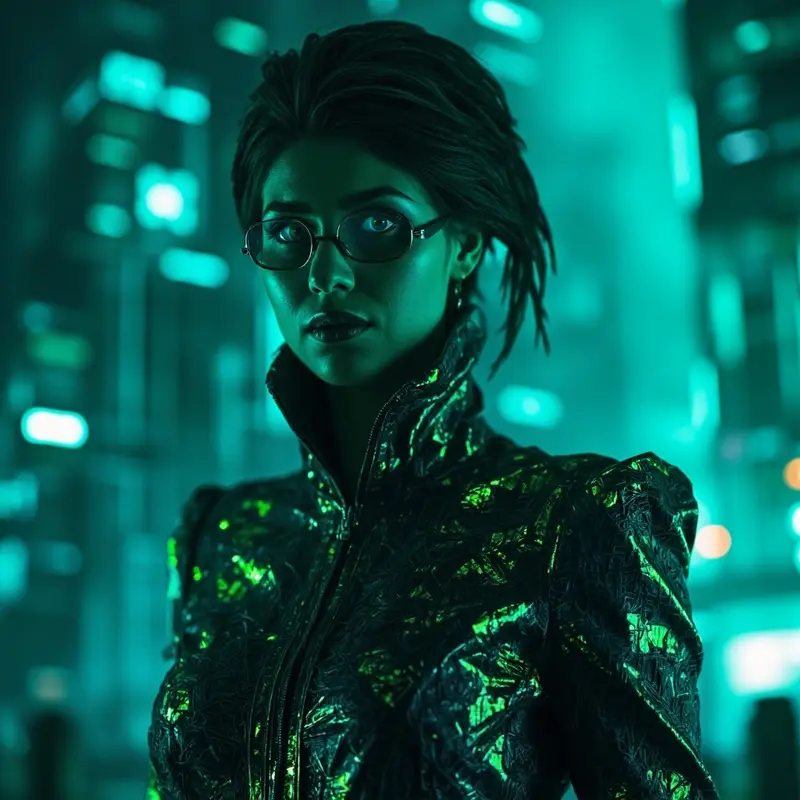
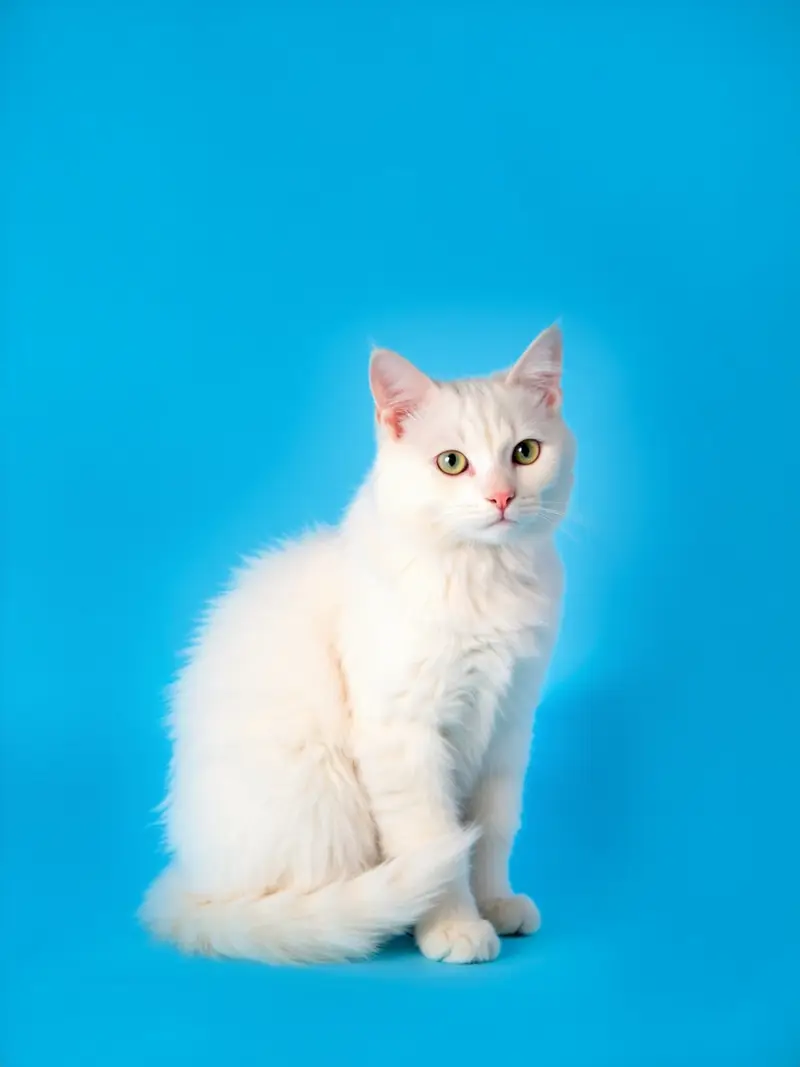
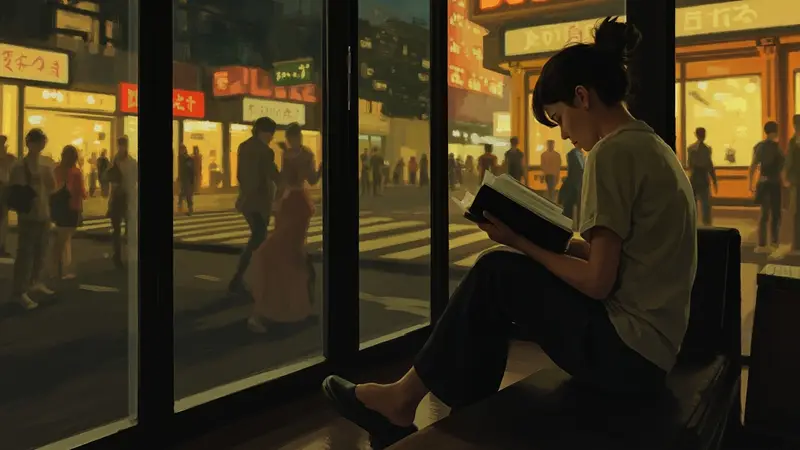
How image creation works
Describe or add a reference
Text to Image starts from words. Image to Image uses the images you add as guidance.
Choose a model and settings
Resolutions, aspect ratios, qualities and formats come from the selected model, and the quote updates with each change.
Review the exact credits
The displayed total is the amount reserved. Success charges it; a confirmed failure returns it.
MiniMax H3 Image questions
Which settings does MiniMax H3 Image support?
1K, 2K, 4K output; up to 16 reference images; PNG, JPEG files. The studio lists only the combinations this model offers.
How are credits calculated?
Credits start at 1 and depend on the resolution you choose. The studio shows the exact quote before you create; credits are reserved when you create, charged when the image succeeds, and returned if generation fails.
What happens to my reference photos?
Photos upload privately when you create, are readable only by your own tasks, and expire after one hour. Only submit images you have permission to use.