How to Make the Boom Clap Confetti AI Trend
The Boom Clap Confetti AI Trend turns one full-body photo into a 13-second clip. The performer points, sways under fireworks, and blows a kiss toward the camera. The download is silent because of music licensing restrictions. Add an audio file you can use, or choose a sound in TikTok or Instagram Reels.
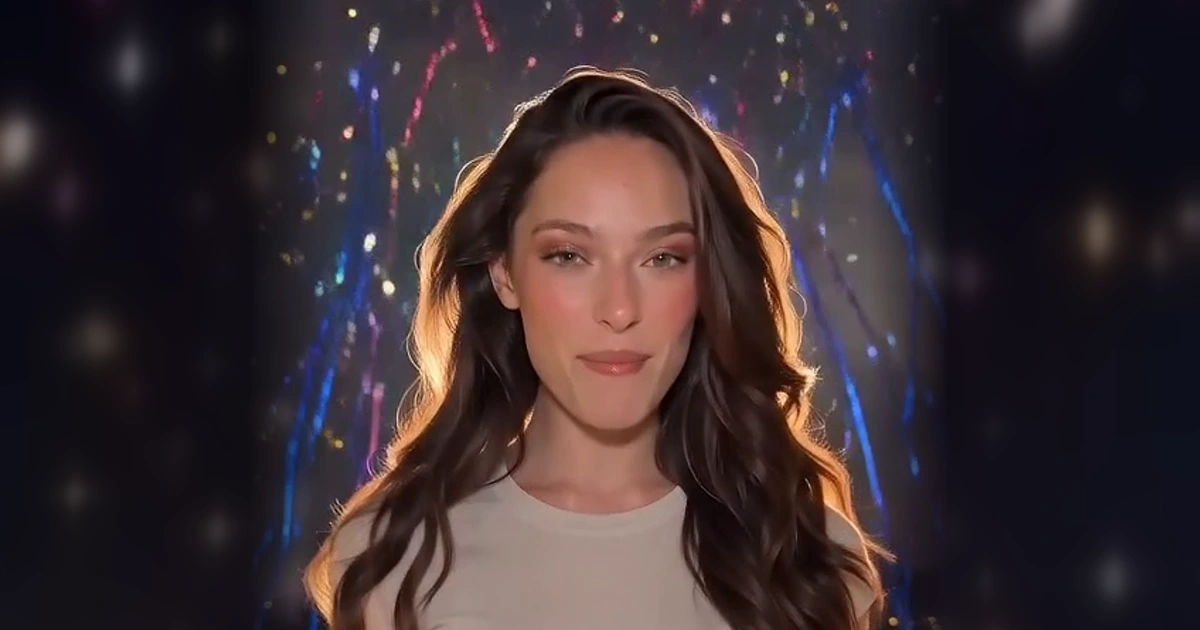
Choose one full-body photo
Use a sharp JPG, PNG or WebP of yourself or one consenting adult. Face the camera in even light and leave room around your hands and feet. A clear face helps in the closing shot, when the performer leans toward the lens. Avoid group photos, cropped limbs and heavy filters.
Make and download the video
- Open the Boom Clap Confetti AI Trend template and play either example. The examples have music added after generation.
- Upload your full-body photo and check the selected model and exact credit quote. The clip is 13 seconds. Choose the quality and aspect ratio in Video settings.
- Confirm permission to use the photo and select Create my confetti video. Check your result here or in History.
- Review the face, hand gestures and timing, then download the silent MP4.
Add your own audio file
- Open Trim Audio and choose an audio file you have permission to use. Set the start where the vocals or beat should begin, and use the length of your downloaded clip, about 13 seconds, to set the end. Download the trimmed audio.
- Open Add or Replace Audio. Choose the silent Boom Clap MP4, then select the trimmed audio file. Choose MP4 and download the combined video. Shorter audio leaves silence at the end, and longer audio is cut to the video’s duration.
- Play the new MP4 and check the first vocal, the beat and the timing of the final kiss. If the timing is off, adjust the audio start in Trim Audio and combine it with the original silent video again.
Add the song in TikTok or Instagram Reels
In TikTok, upload the clip and open Add sound. In Instagram, create a Reel with the clip and open the audio picker. Search for “Boom Clap” and choose the section heard in the examples if it is available for your account. Move the song start until the first vocal lines up with the performer’s mouth, then check the middle and the final kiss. If timing drifts, try a different version of the same track. Results can vary from one generation to the next.
If the sound is missing, check what your account and region can use. For a business post, choose a track permitted for that use. You can also post the silent video or add another track, though the mouth movements may fit it less closely.
If the result looks different from the examples
The examples show the framing and gestures. Each generation can vary in expressions, fireworks and timing. Review the file before posting. If a task is still processing, check History before starting a new one. If the model or quote is unavailable, reload the template to see the currently available settings.
Boom Clap audio questions
Why is my Boom Clap download silent?
Music licensing restrictions mean the generated download is silent. Music was added separately to the examples.
Can I save a Boom Clap video with sound?
Yes. If you have an audio file you can use, cut the section you want with Trim Audio, then use Add or Replace Audio to combine it with the silent video and download an MP4 with sound.